



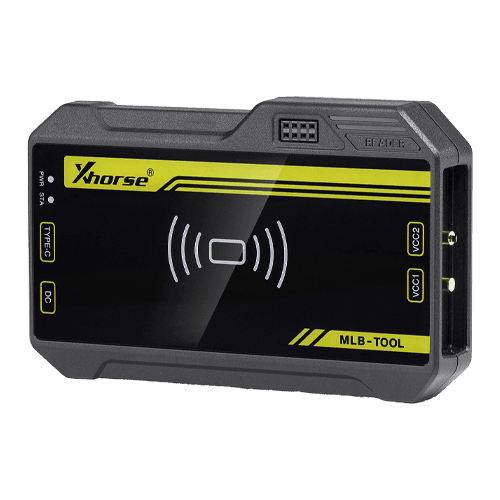

Xhorse VVDI MLB Tool for VVDI Key Tool Plus and VVDI2
Key Features:
-
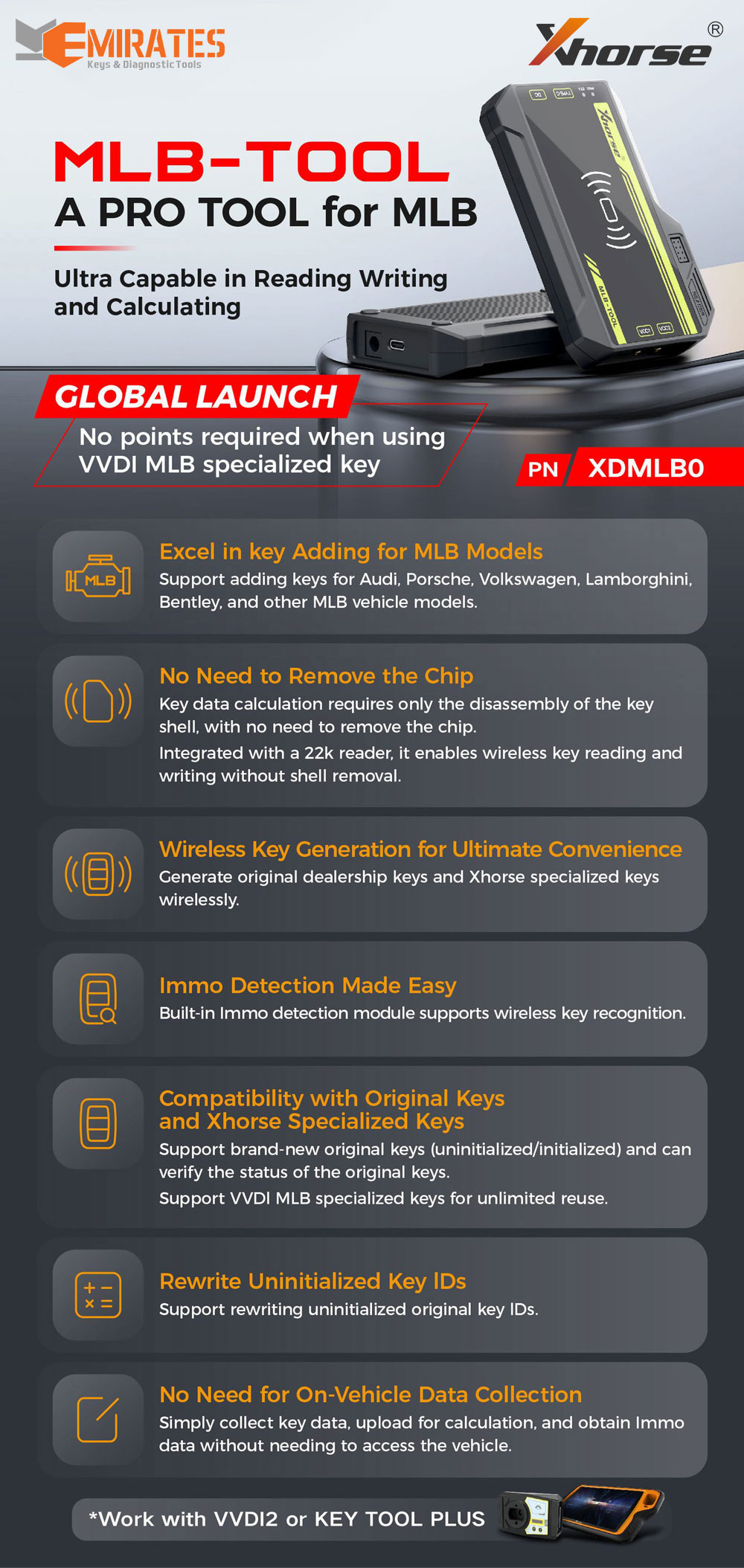
✅ Supports key programming for MLB platform vehicles
-
✅ No chip removal required
-
✅ Wireless key generation for maximum convenience
-
✅ Easy IMMO data detection
-
✅ Works with both original keys and Xhorse MLB special keys
-
✅ Ability to rewrite uninitialized key IDs
-
✅ No need for vehicle-side data collection
-
✅ Compatible with VVDI2 (requires VV-05 MQB and VV-02 VAG IMMO5 licenses) and Key Tool Plus
-
✅ No tokens needed when using VVDI MLB special keys
-
✅ Software updates available online – current version: 1.0.3.0
-
✅ Supports Windows 10 & 11
How It Works
The VVDI MLB Tool does not clone keys.
Instead, it follows a simple process:
-
Read data from the original key
-
Generate a dealer key
-
Program the key via OBD using VVDI2 or Key Tool Plus
The tool extracts the CS (component security) from the key, which is used to create a dealer key. Key learning is then completed using the file generated by the tool.
When Token Points Are Required:
-
When adding keys and calculating IMMO data
-
When restoring a used key that’s unlocked but lacks IMMO data
Supported Vehicle Brands:
-
Audi, Volkswagen, Porsche, Lamborghini, Bentley, and other MLB-based models
Device Highlights:
-
Minimal disassembly – only the key shell needs to be opened; the chip stays in place
-
Built-in 22k reader enables wireless reading/writing
-
Wireless key generation – supports both OEM and Xhorse keys
-
Built-in IMMO detection without extra tools
-
Compatible with both original (initialized/uninitialized) and Xhorse MLB keys
-
Allows rewriting of uninitialized key IDs
-
No car access needed – read key data, upload, and calculate remotely
Key Requirements & Compatibility:
The tool supports the following key conditions:
-
Unlocked, uninitialized with ID – can be programmed directly
-
Unlocked, uninitialized without ID – can assign an ID once
-
Unlocked, initialized – can be reset to uninitialized state by calculating IMMO data
-
Locked, initialized – cannot be unlocked or reused
Also supports Xhorse MLB special keys (coming soon).
Software & Connectivity:
-
Device must be bound to Xhorse App to enable online IMMO data calculation
(Go to “Special Functions > Bind Device” and scan the QR code) -
When using with VVDI2, PC software is required
-
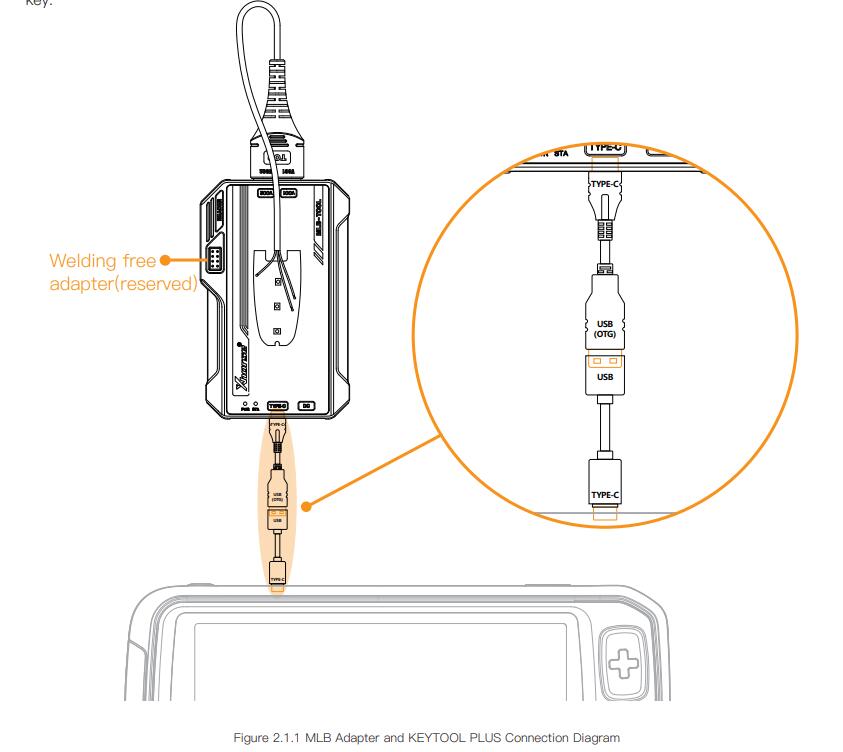
When using with Key Tool Plus, simply connect using the included OTG adapter
MLB Wiring Diagrams (Types 1–6):
Chip removal is not needed, but you’ll need to remove two 100nF capacitors and solder wires to the key PCB according to the color-coded diagram.
Frequently Asked Questions (FAQ):
Q: Does it require tokens?
A: It depends on the key used:
-
Original key only → 200 points required
-
Original key + VVDI MLB key → points may be avoided if the VVDI key is recognized (one-time identification per key)
-
VVDI MLB key only → no points needed
Q: Can I use a used original key?
A: Yes, depending on its condition:
-
Unlocked, uninitialized with ID → usable directly
-
Unlocked, uninitialized without ID → ID can be assigned once
-
Unlocked, initialized → can be reset by calculating IMMO data
-
Locked, initialized → cannot be used
Q: Is there a manual or tutorial?
A: Yes, the full English manual is available here
Q: Is PC software required?
A: Only if using with VVDI2. For Key Tool Plus, use the OTG adapter to connect directly.
Package Contents:
-
1 × VVDI MLB Tool
-
1 × MLB Data Cable
-
1 × USB Type-C Cable
-
1 × OTG Adapter
-
1 × User Manual